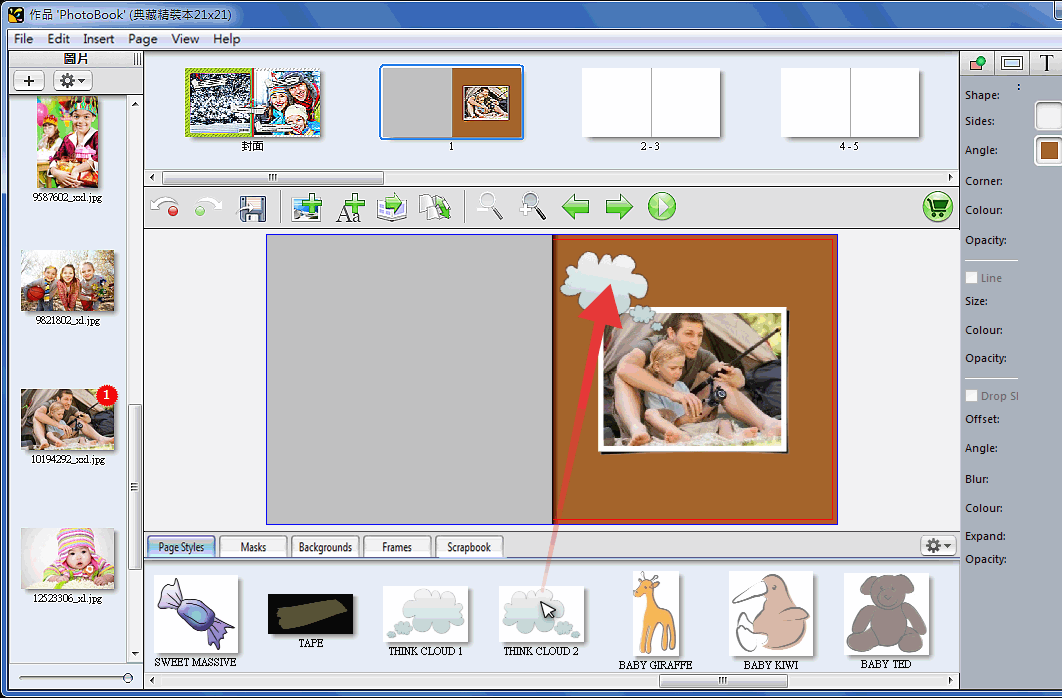


Library
Library contains Page Styles、Masks、Backgrounds、Frames、Scrapbook which include all resources that makes your book beautiful in addition you could add your own resources.

❶ Select one page style you prefer from tab of Page Styles under application window and drag-and-drop it to current page. Drop another page style to replace current one. Select page style in current page and right click it in order to ungroup or lock. (Click「 」 to display by category)
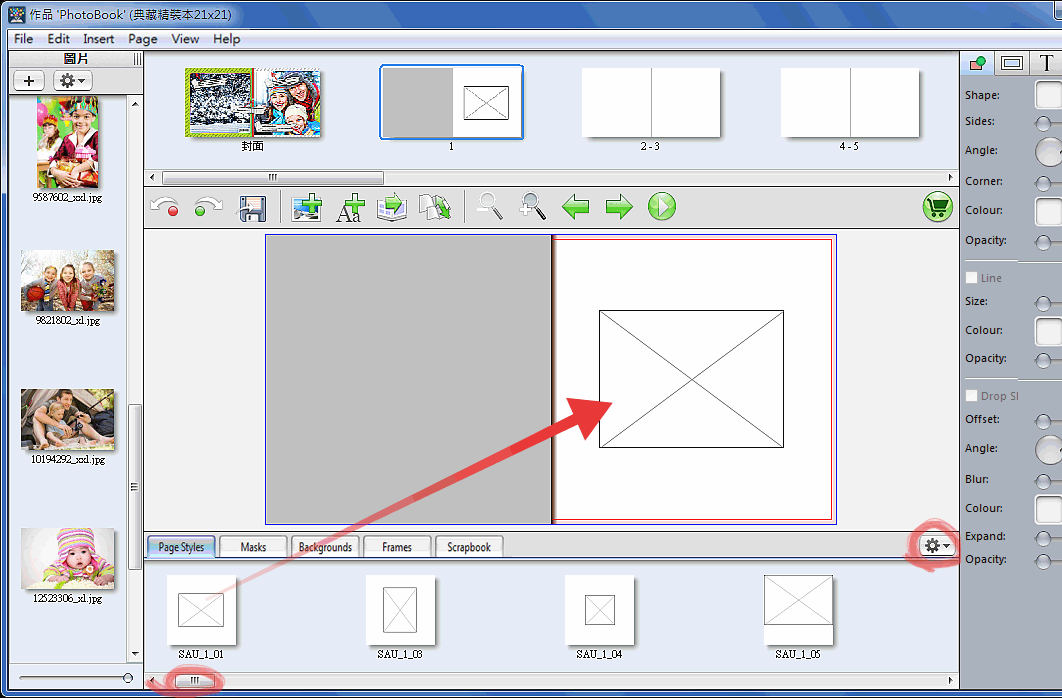
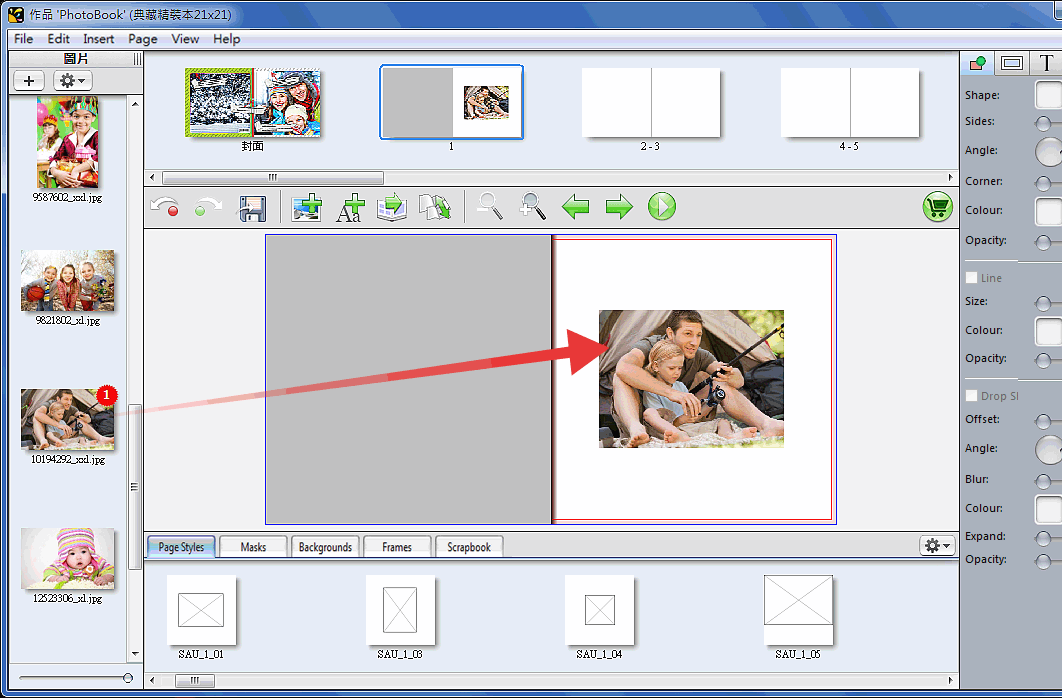
❷ Drag and drop one picture from pictures list at right hand side of application window to a picture box in current page.
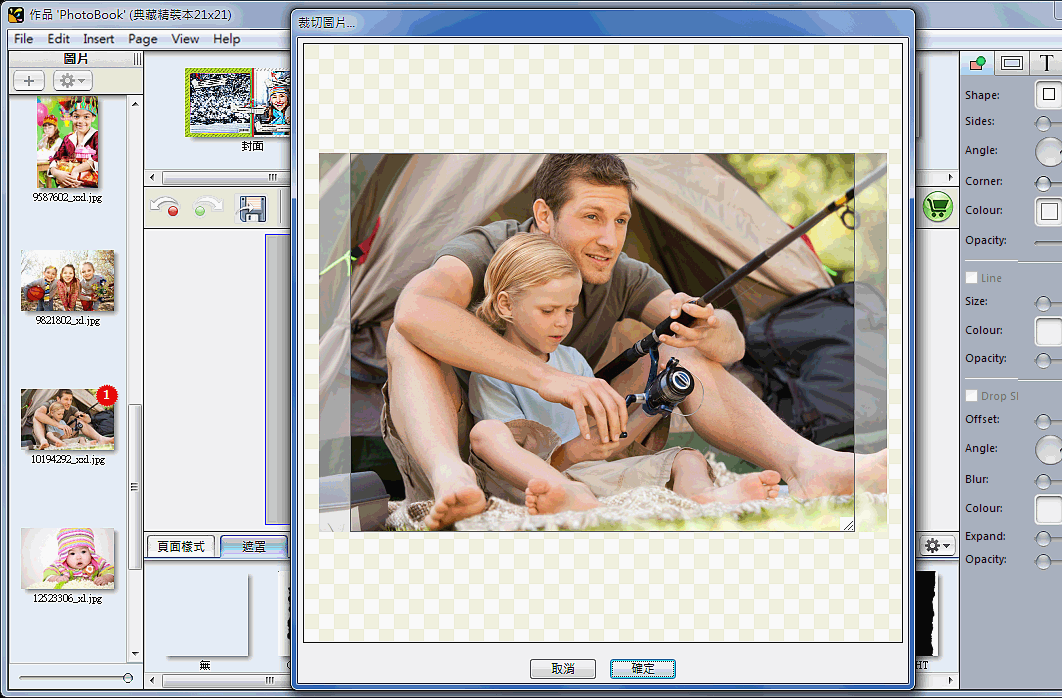
❸ Double click on a picture in order to crop picture.

Select a mask at bottom of application window and drag and drop to a picture in order to apply this mask on it. Right clicking to choose Flipping Vertical / Flipping Horizontal / Invert Mask / Remove Mask.
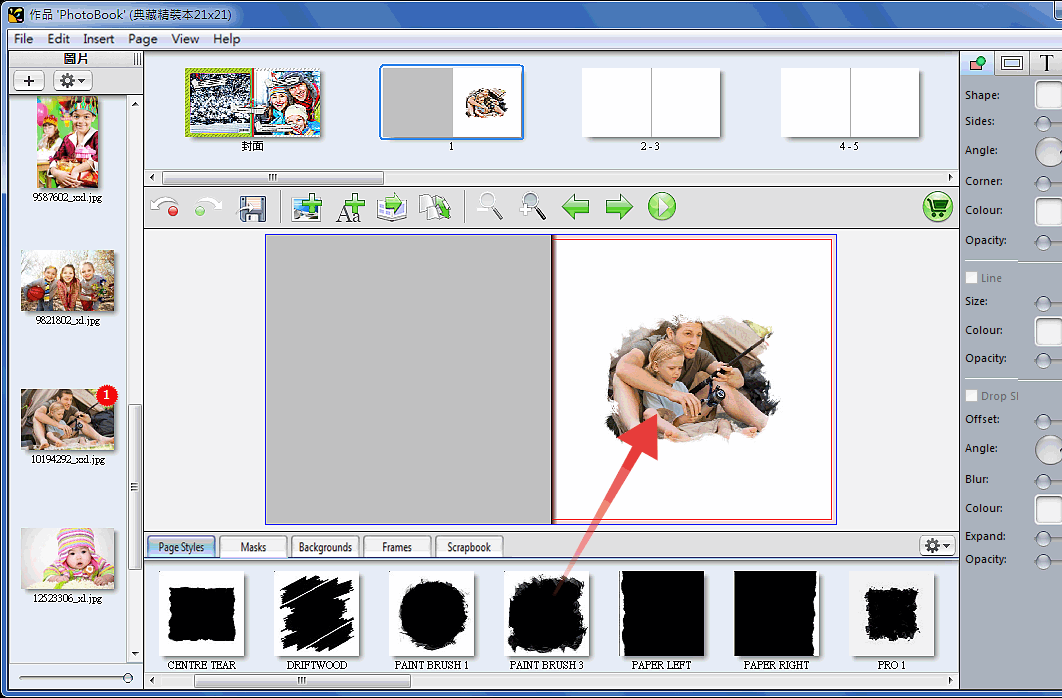

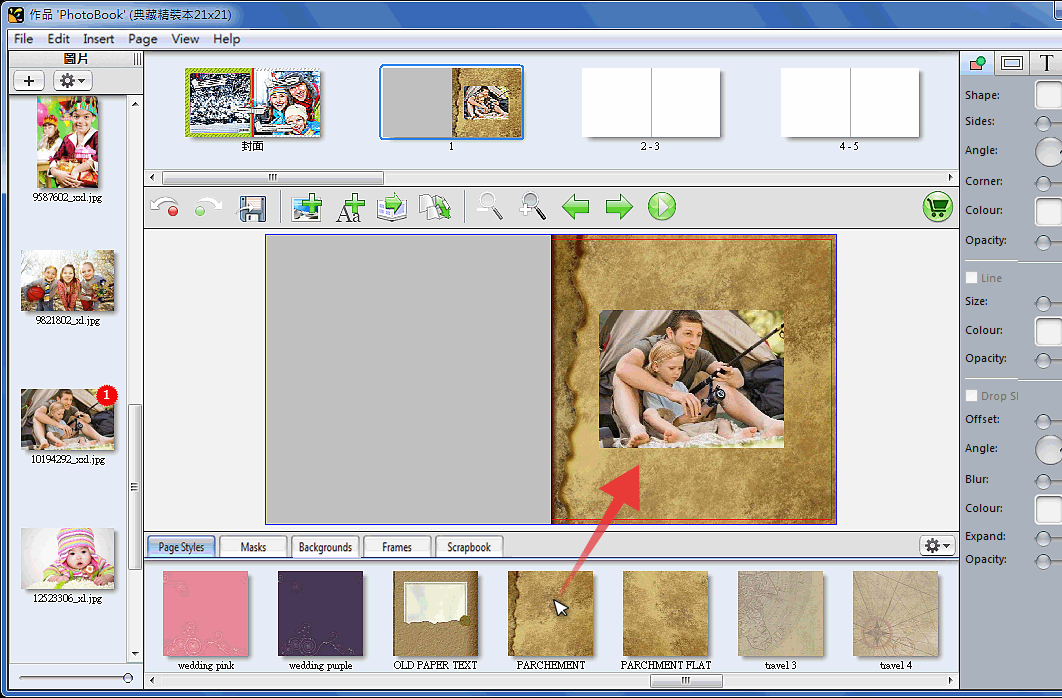
Applying backgrounds by drag and drop a background from bottom of application window. Right clicking it to remove backgrounds.

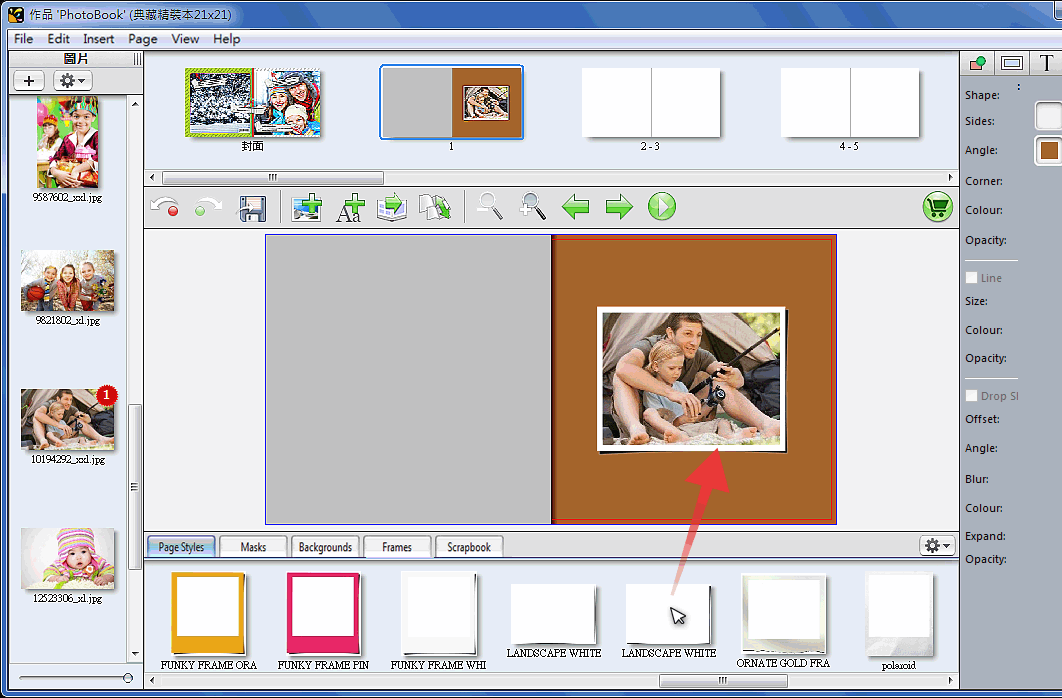
Drop a frame to the picture in order to apply it. Right clicking to remove frames.

Drag and drop a scrapbook from bottom of application window to current page. Drag blue point to scale it and drag green point to rotate.