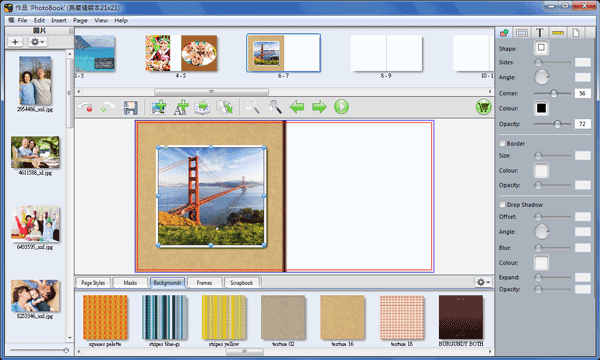


Align Page Center+Corner+Drop Shadow
Easy to drop shadow and make corner box in Inspector panel
❶ Click  to add picture box and fill in a image and drag blue point to adjust size of picture box. Right click the picture box and select 【Align】--【Align Vertical Page Center】 then select 【Align】--【Align Horizental Page Center】 in order to align page center.
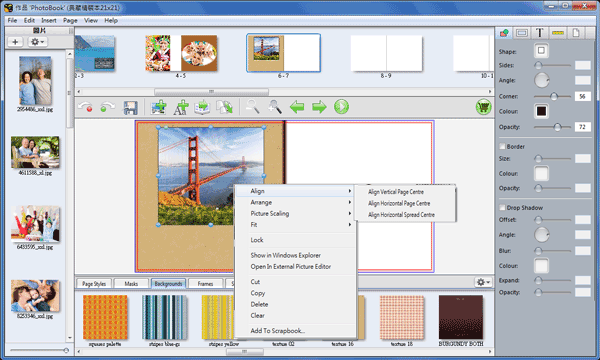
❷ Select the picture box and click at right side or application window to adjust Corner, Border Size, Border Color, Offset, Opacity and Blur.