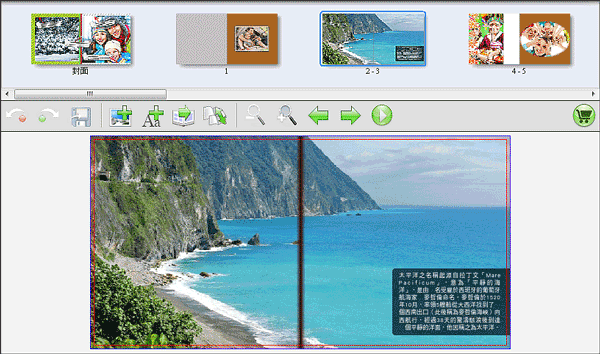


Background Spread Page with Text Illustration
Make your favorite picture as background spread pages with text illustration.
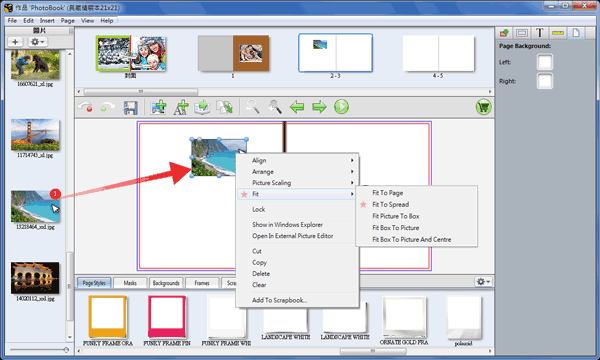
❶ Drag and drop a picture to current page. Right click this picture and select 【Fit】--【Fit To Spread】.
(If it appears an exclamation mark, replace to another picture with bigger size in order to get best printing results.)
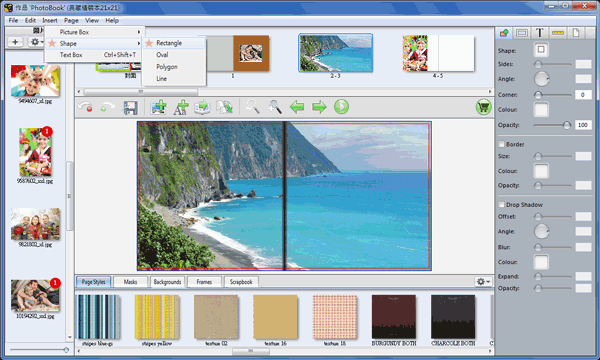
❷ Select 【Insert】--【Shape】--【Rectangle】 to add a rectangle box.
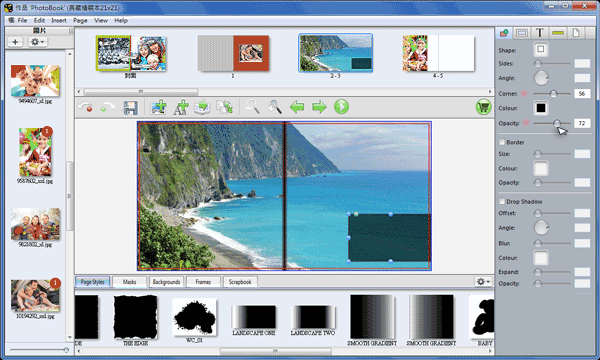
❸ Place the rectangle box to proper position with specific size. Click in Inspector panel at right side of application window to adjust Color, Corner and Opacity.
❹ Click  to add an text box. Double click the text box and enter text content.
(You also could paste text content from a text document)
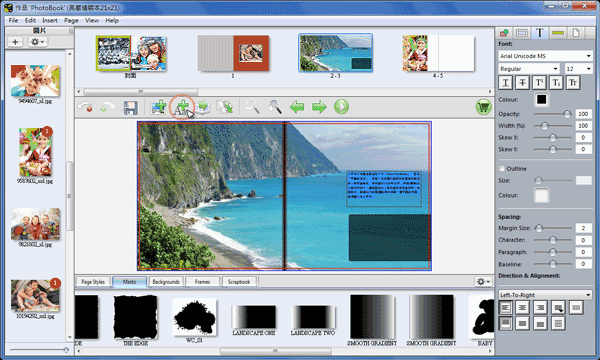
❺ Select all text characters in text box (Ctrl+A) and click in Inspector panel at right side of application window to choose Font Type, Size, Color, Opacity and Spacing.
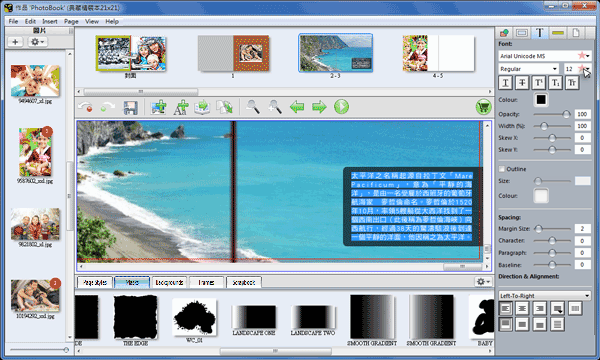
❻ Finished.